- What it is
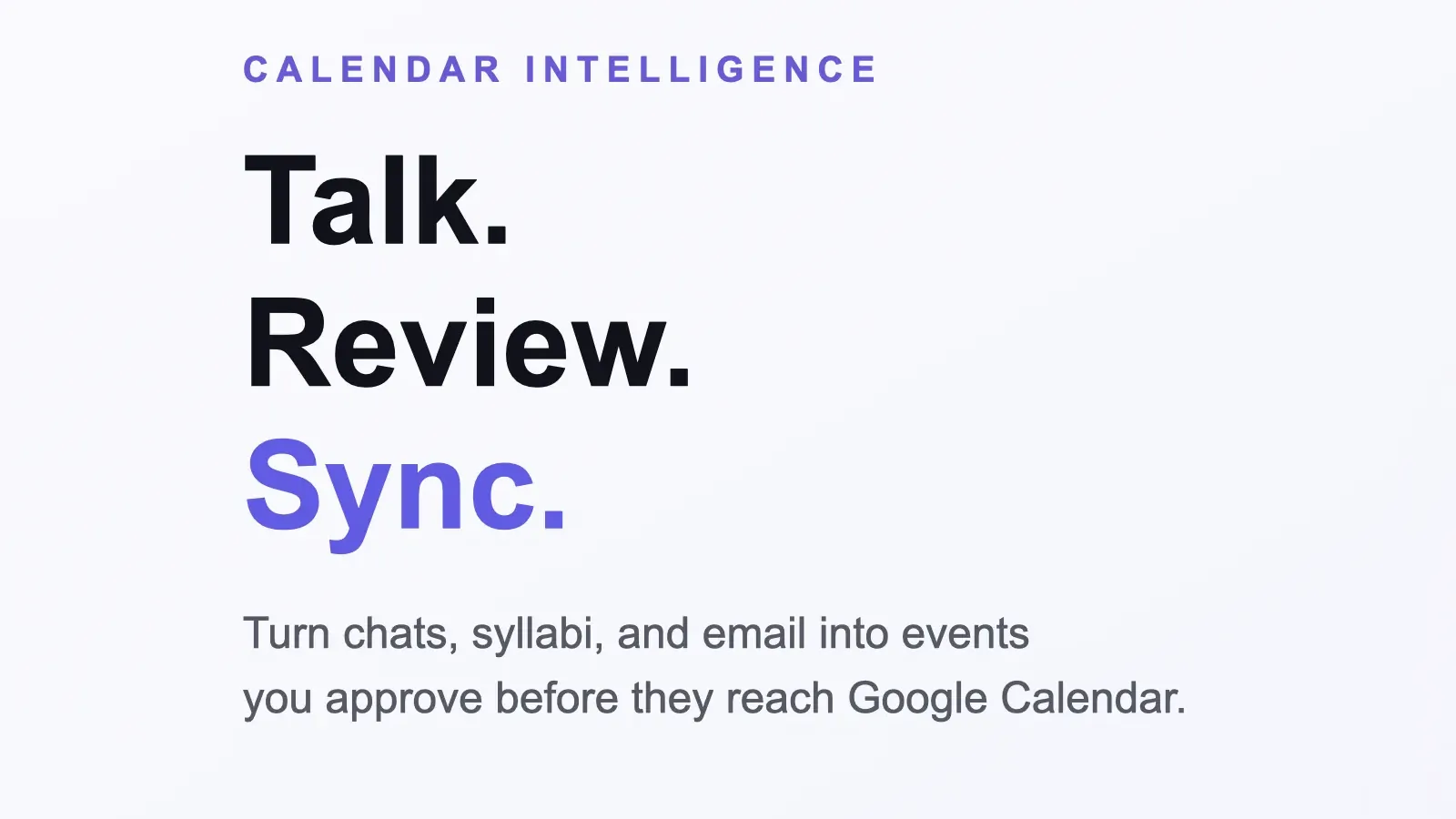
- An AI calendar assistant. You could type something like "lunch with Jack next Tuesday at one", upload a syllabus or connect Gmail, and it suggested events for you to approve before they went into Google Calendar.
- Why I made it
- During my first year at RIT, campus events were spread across emails, apps and flyers, and it was really easy to miss things. I wanted adding an event to feel like sending a text.
- What I did
- I built the whole thing, from the React frontend to the Python backend, and took it all the way to a live website. I wrote the early versions myself and used AI a lot to polish it.
- How it turned out
- Friends tested it and it worked, but getting Google to approve Gmail and Calendar access took forever, and the big AI apps started doing calendar chat too. So I paused it in April 2026.
The details
Talking to your calendar
The main feature was CalChat. You tell it what's going on and it suggests changes, but nothing actually changes until you hit apply. That mattered to me, because an assistant that quietly moves things around on your real calendar is worse than no assistant at all.
It could move an existing event, create a few events from one message, and even change a recurring event, like ending my swim practice a week early.
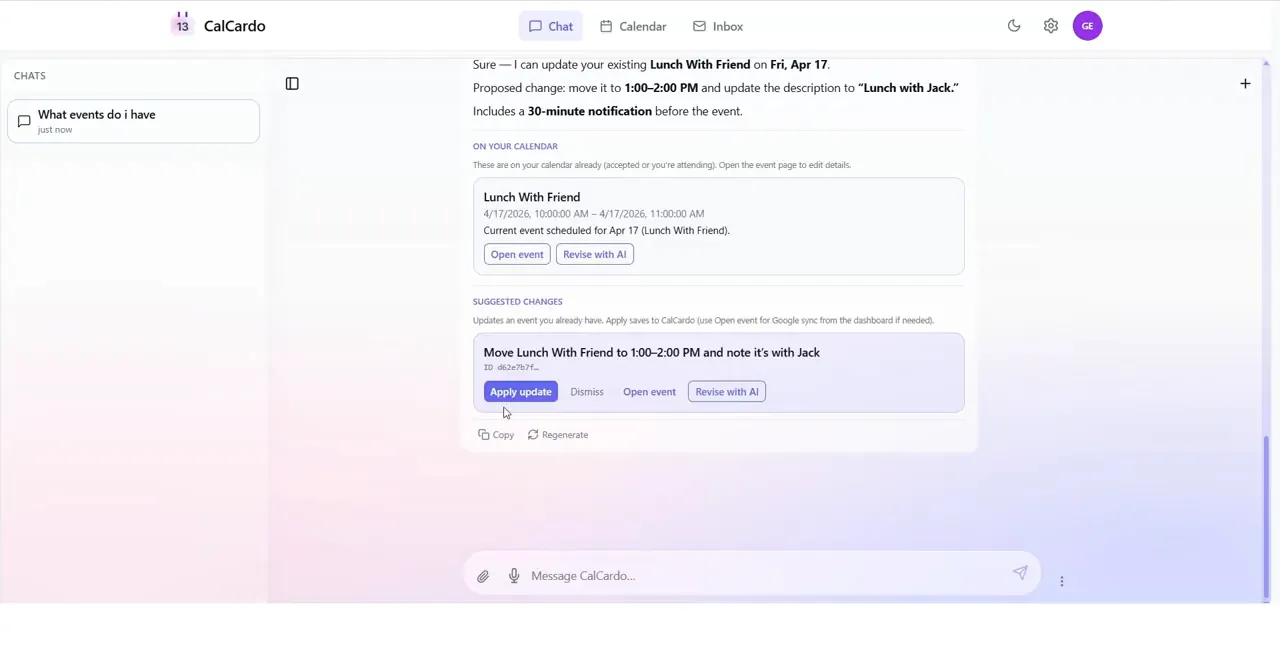
Moving a lunch. Nothing changes until I hit Apply update. 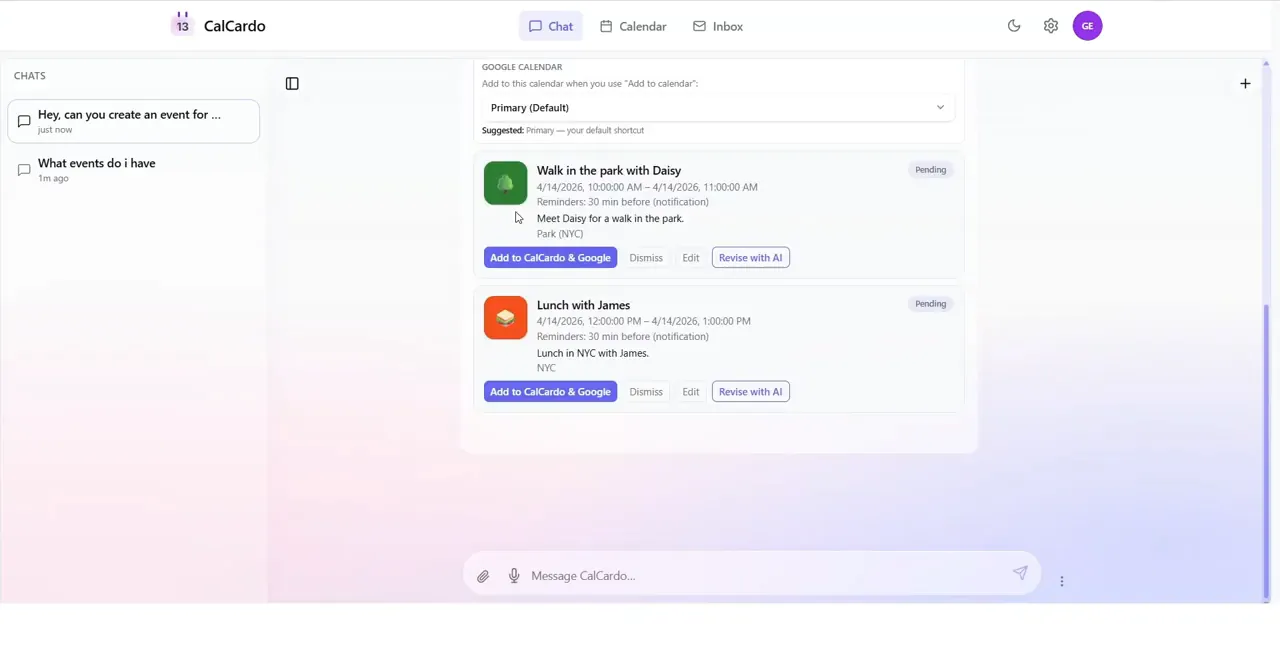
One message, two new events to add or dismiss. 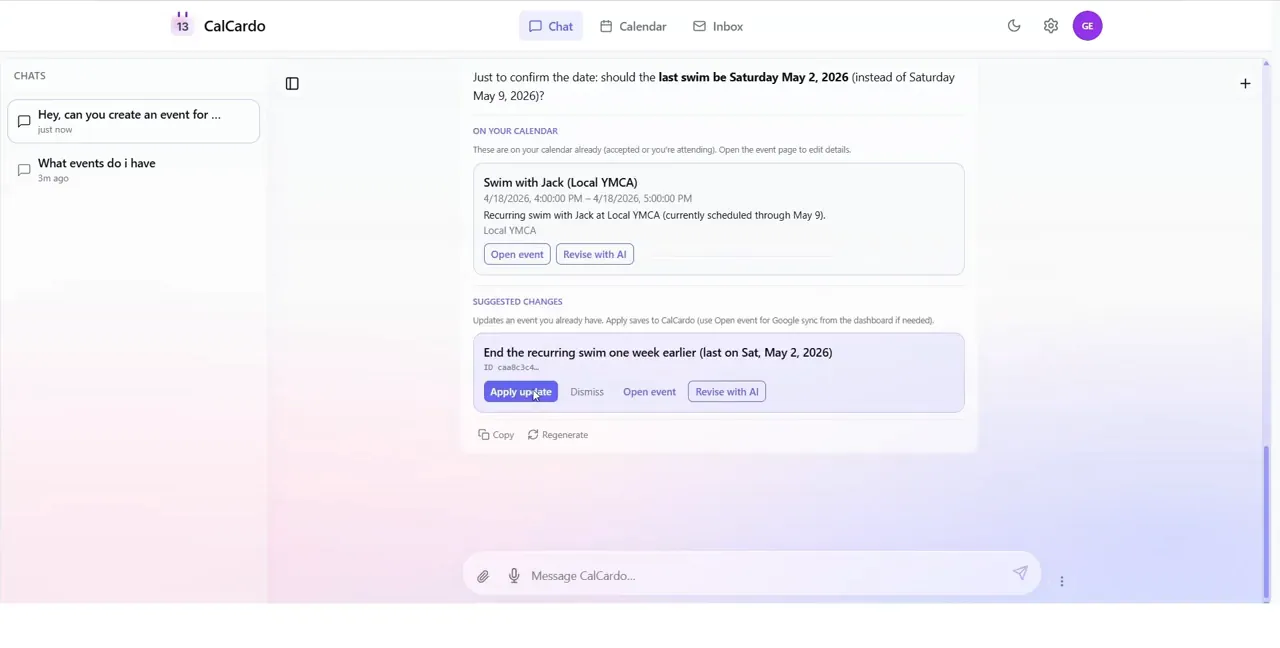
Ending a recurring swim event a week early.
Finding events in your email
You could also connect Gmail. When an email looked like it had an event in it, CalCardo pulled out the date, time and place and put it in an inbox for you to accept, edit or ignore. A cheap filter ran first, so the AI only looked at emails that actually seemed calendar related.
Everything synced both ways with Google Calendar, so you could keep using Google's app like normal.
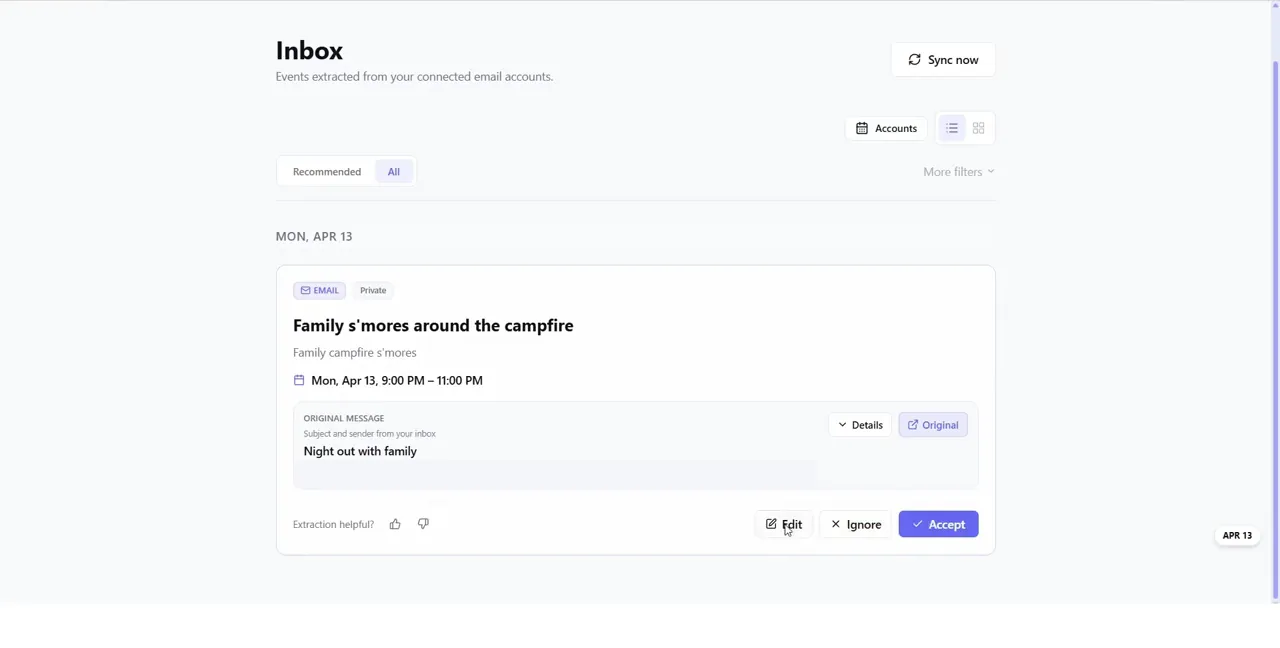
An event found in an email, waiting for me to accept it. The sender is cropped out. 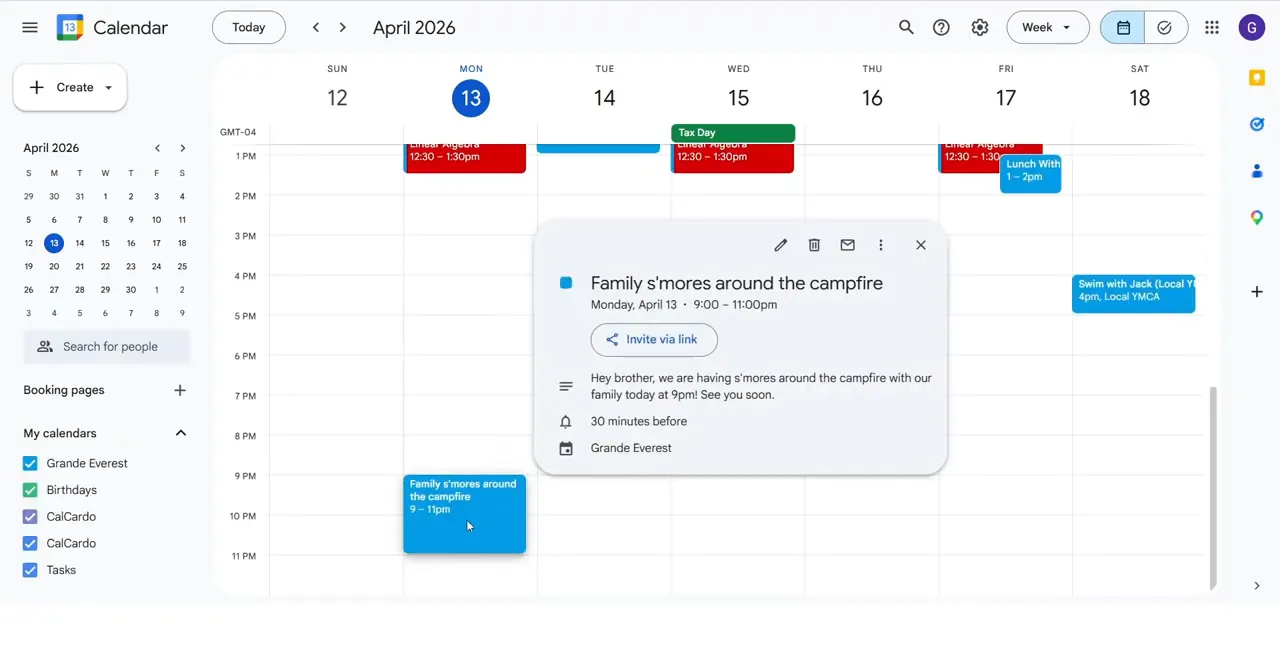
The same event after I accepted it, in Google Calendar. 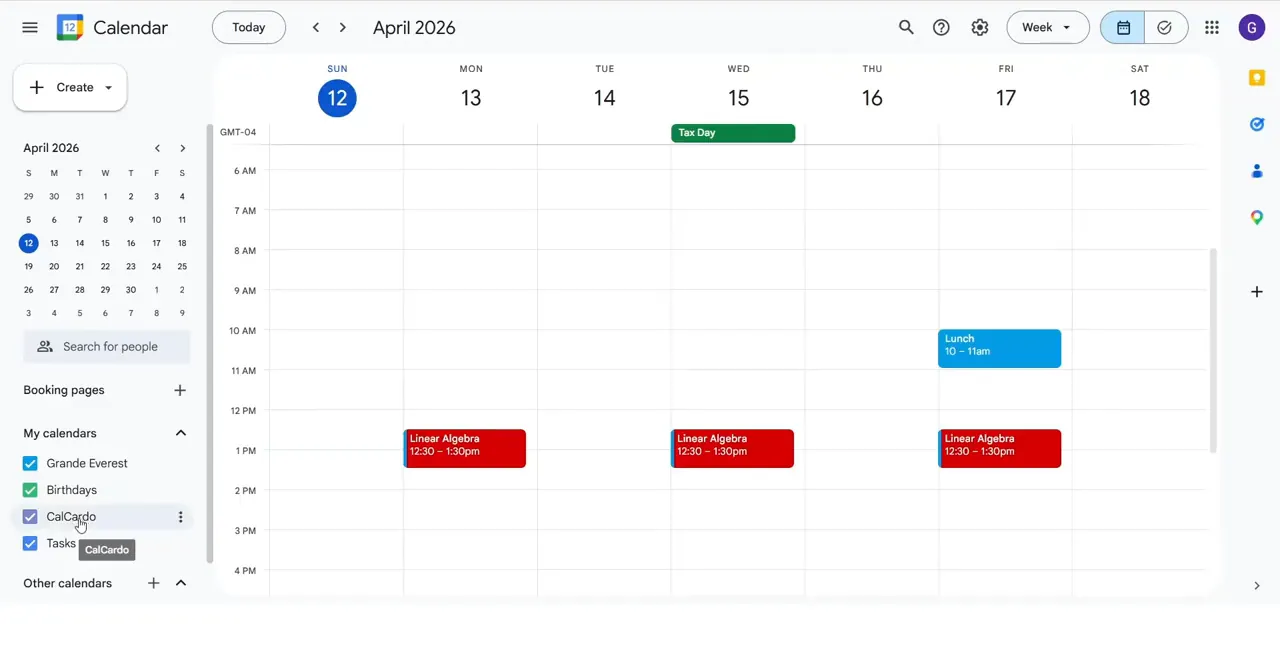
My existing Google Calendar, which CalCardo could import. 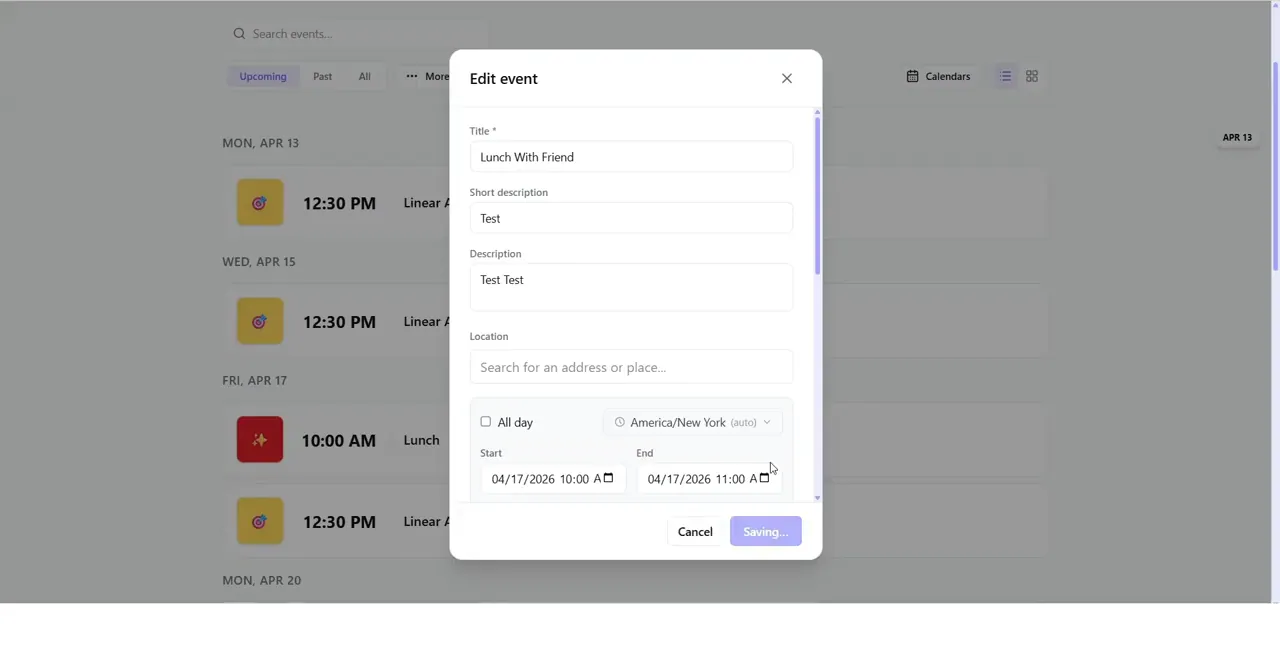
The event editor.
How I built it
The frontend is React and TypeScript, the backend is Python and FastAPI, and Supabase handles accounts, the database and file storage.
I wrote the early versions myself and then used AI a lot to get it polished enough for friends to test. What worked best was treating the AI like another intern: give it one piece at a time, enough context, and a way to check its work.
- React frontendTypeScript and Tailwind CSS
- FastAPI backendPython
- SupabaseAccounts, database and files
- Google Calendar and GmailTwo-way sync and events from email
- OpenAIReads chats, syllabi and emails
Why I paused it
Getting Google to approve full Calendar and Gmail access was a long, tedious process, and around the same time the big AI apps started letting you chat with your calendar too. CalCardo still did a few things better, like the review inbox, but not enough to keep going, so I moved on to other ideas. The website is still up but the backend is off. The demo video shows the whole thing working.