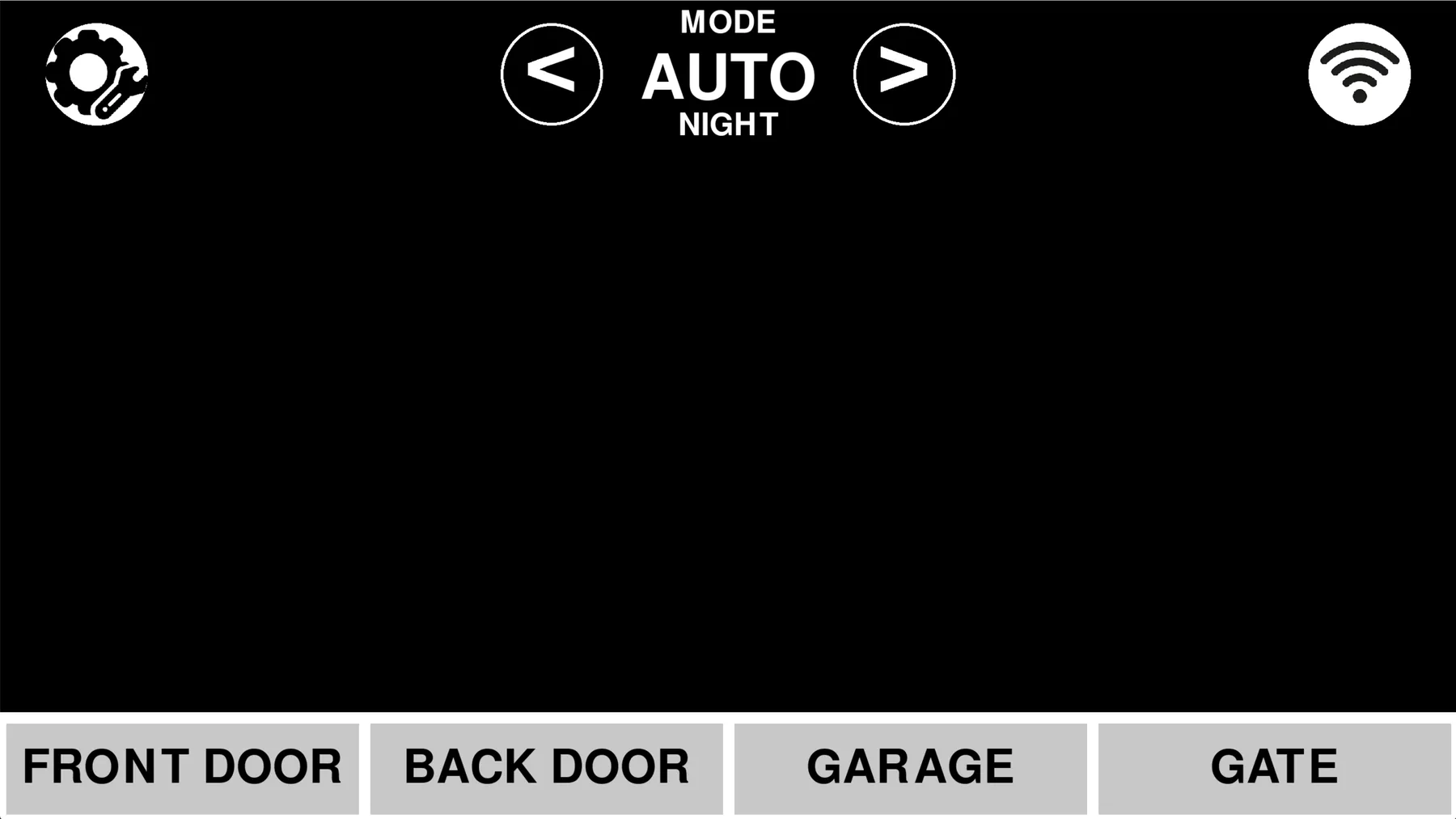
This project grew through three very different versions. My dad and I first soldered into a cheap RF alarm panel so a Raspberry Pi could read its lights, announce open doors, and keep logs. I later built my own Pygame control panel, then replaced that with a remotely accessible web system made from several small services talking over a shared TCP protocol.
Version one: hacking the alarm panel
My dad and I opened an inexpensive Amazon alarm and soldered connections onto the LEDs it used for its wireless door sensors. The Raspberry Pi watched those voltage patterns, worked out which door or gate was open, announced it with a wonderfully robotic voice, and saved an event log.
Version two: the Pygame panel
I built the next interface myself in Pygame, without AI. It had alarm modes, sensor status, settings, sound behavior, notifications, and statistics. I had much bigger plans for it, but a memory leak eventually killed the process after a week or two of continuous use.
Version three: a network of services
The final version moved to a Flask web interface that could be reached through Tailscale. Hardware, relays, motion, audio, notifications, data, cameras, and system state were split into services that communicated over TCP with a shared JSON protocol.
I arrived at that design by solving the communication problems as they appeared, before I had formally learned the term microservices. There is much more to show here later, especially the hardware, camera idea, interfaces, and how the services fit together.